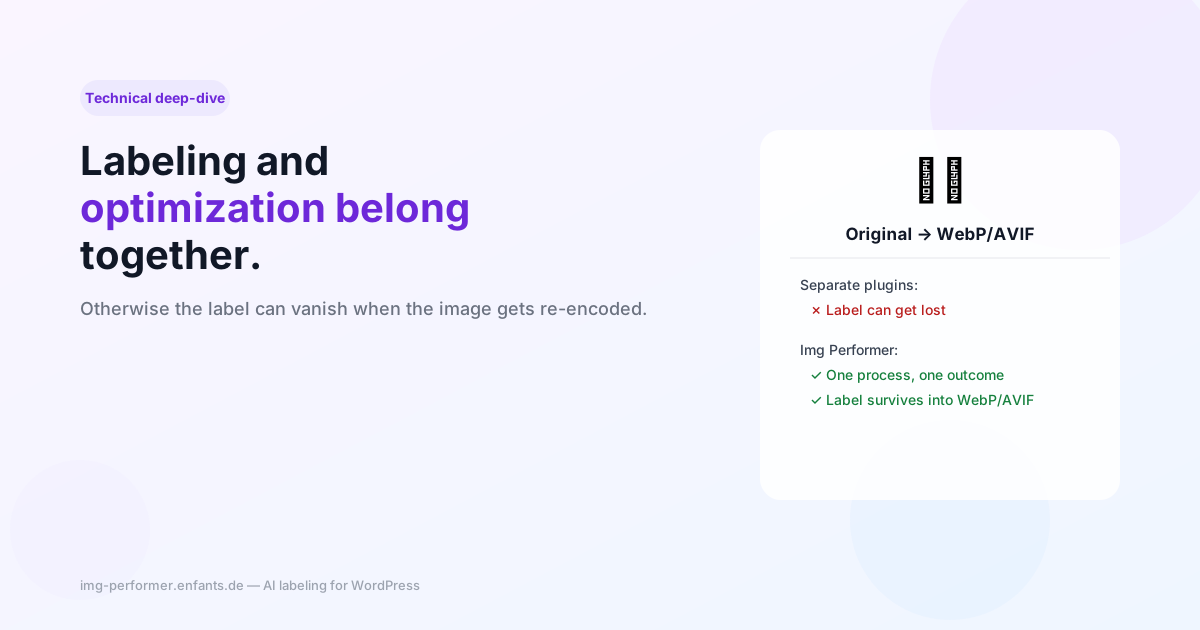
Why AI labeling and image optimization belong together
When an optimization plugin and a labeling plugin run separately, the AI label can quietly disappear the moment the image gets re-encoded. A technical detail with legal consequences.
As of August 2, 2026, Article 50 of the EU AI Act requires AI-generated images to carry machine-readable labeling. Many WordPress operators solve this with a dedicated labeling plugin — while keeping their existing image optimization plugin for WebP/AVIF running alongside it. On the surface, a clean separation of concerns. Technically, though, it hides a problem that rarely becomes obvious until it’s too late.
Where the label actually ends up
A machine-readable label under Art. 50 is typically written as a metadata marker into the image file itself — for example an IPTC DigitalSourceType entry or a custom XMP field. Here’s the catch: those metadata live inside the specific file, not in WordPress’s database record. The moment a new image format is generated from the original — say, a WebP or AVIF version for faster load times — a brand new file is created. And new files start out with no metadata at all, unless the program generating them explicitly writes it back in.
That’s the core of the problem: an optimization plugin that has no concept of the labeling requirement has no reason to carry the marker into the WebP/AVIF file it generates. The label still technically exists in the original JPEG/PNG sitting on the server — but no visitor ever sees that file. What gets served is the optimized version. The label has effectively disappeared for the public, with no error message anywhere to flag it.
Why this isn’t hypothetical
This isn’t an edge case. Looking at the technical descriptions of current labeling plugins, you’ll find explicit countermeasures for exactly this — dedicated “verify” or “repair” commands that check, after every optimization run, whether the metadata survived, and rewrite it if not. That’s a workaround for a structural problem: two separate plugins with separate responsibilities can’t guarantee their outputs stay in sync.
How Img Performer handles it
Img Performer detects AI-generated images on upload and writes the label — and because the same software also generates the WebP/AVIF file, the marker lands in both automatically. There’s no moment where optimization happens “afterward” and forgets about the label: conversion and labeling run in the same process, on the same file, for every generated image size.
In practice, that means: if you use Img Performer, you don’t need to wonder whether the label is still there after the next optimization pass. There is no “next” optimization pass running separately from it.
Bottom line
When choosing a labeling tool, one concrete question is worth asking: what happens to the label when another plugin later regenerates the image — for WebP, AVIF, a CDN, or a theme update? If the answer is “that should just work,” it’s worth testing. If optimization and labeling run in the same plugin from the start, the question never comes up.