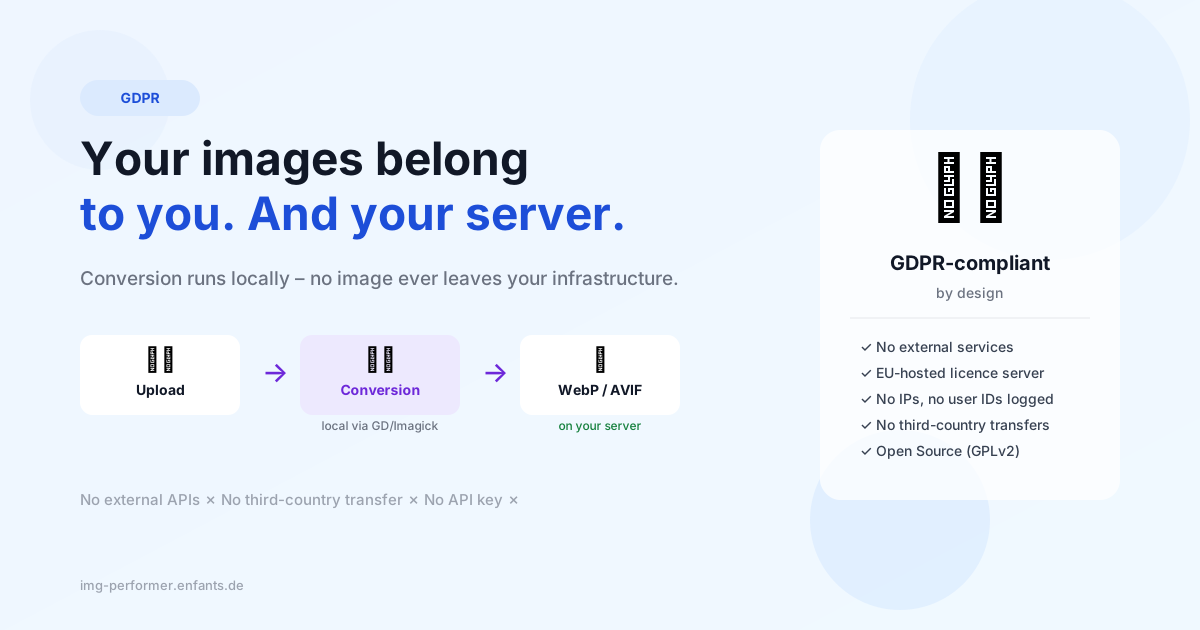
Why your WordPress images don't belong in the cloud
Image optimisation via external APIs is convenient – until your data protection officer asks where the customer data actually ends up. A quick look at what really happens during conversion.
Imagine you’re optimising a client’s website. You install a popular image optimisation plugin, click “Optimise all images” — and have just sent thousands of images to a server somewhere in the world.
Sounds dramatic? It is, a little.
What happens with API-based plugins
Many image optimisation plugins work on the same principle: your image gets uploaded to an external service, processed there, and sent back. That’s technically clever and often produces good results.
The problem: you don’t know exactly what happens to the image between “upload” and “return”. Is it stored? For how long? On which servers? Under what conditions?
For hobby blogs, that might not matter. For business websites, shops with product images, or sites that show photos of real people, it’s a genuine data protection question.
The GDPR perspective
Technically, uploading images to an external service is a data transfer to a third party. When that third party is outside the EU, it gets even more complex — cross-border transfers, Standard Contractual Clauses, adequate level of data protection.
That doesn’t mean all cloud services are problematic. But it means you need to know about it and document it. And “it was convenient” is not a sufficient answer to your supervisory authority.
Local is simpler — and just as good
Here’s the good news: most WordPress installations already have everything on board for WebP and AVIF conversion. GD is built into PHP by default and active on virtually every host. Imagick is an optional extension — available on many hosts, but not all. IMG Performer uses GD as its primary library and falls back to Imagick if GD isn’t available. On minimal installations without either, conversion isn’t possible — the plugin shows this transparently in the settings.
IMG Performer uses exactly these built-in libraries. No image leaves your server. Conversion happens where the image already is — and the result is technically identical to what cloud services deliver.
Less complexity, fewer data protection questions, same results. That’s honestly the most boring of all good solutions — which is exactly why we like it.