Why we built IMG Performer
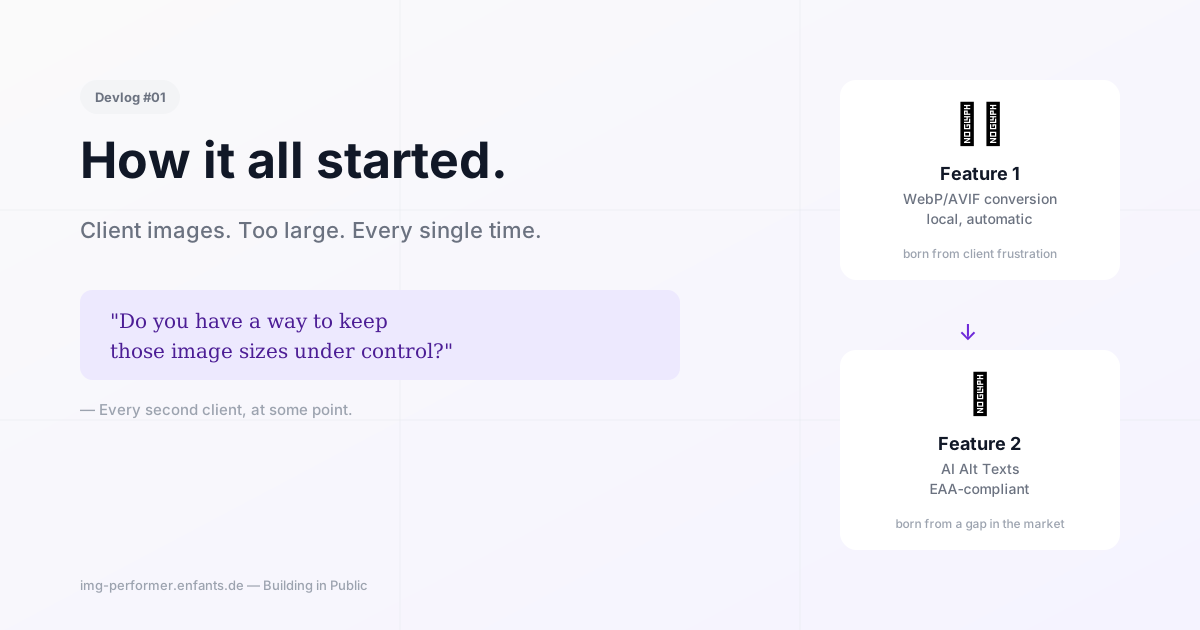
It started with a simple question: don't you have a way to keep image sizes under control? The requests kept coming. At some point we stopped saying no.
Every plugin has an origin story. For IMG Performer it wasn’t a shower epiphany or a strategic product decision in a meeting — it was frustration. The healthy kind.
The same scenario, over and over
We build WordPress sites for clients. And clients upload images. Large images. Very large images. 4-megapixel shots straight from an iPhone, 8 MB TIFF exports from Lightroom, screenshots at triple Retina resolution.
The page gets slow. The Lighthouse score tanks. Google complains. The client asks why it’s suddenly sluggish.
And we explain — for the third time that month — what a reasonable image format looks like.
The question that kept coming up
At some point a client put it more directly: “Don’t you have a way to keep the image sizes under control?”
We gave sensible answers. Explained upload guidelines. Recommended plugins. But the requests kept coming — from more clients, different industries, different types of sites, always the same problem.
At some point we stopped saying no.
The first idea: just convert
The core was clear quickly. When a client uploads a JPEG, WordPress should automatically create a WebP version and serve that instead. No intervention, no explaining, no guidelines that get ignored.
That sounds simple — and technically it is. GD and Imagick can do it. WordPress has the right hooks. The real question was: why do so many plugins send images to external servers for this when conversion happens locally in one line of PHP?
We wanted to do it locally. On the client’s server, with libraries that are already there. No API key, no cloud, no GDPR grey area.
The second feature came from a different direction
While we were building the converter, the European Accessibility Act became an increasingly concrete topic — first in internal conversations, then in client projects, then as a real requirement.
And then it hit us: image optimisation plugins care about file size. That’s it. Whether an image has a meaningful alt text — whether it’s actually accessible to people using screen readers — none of these services care about that.
That’s a gap. A big one.
So we built AI alt texts as the second feature. Not as an afterthought, but as an equal part of the plugin. On every upload, IMG Performer PRO can automatically generate an alt text — with the AI provider of your choice, in the website’s language, written directly to the media library.
Where we are now
The plugin is submitted. The wordpress.org review is in progress. The fire is burning — even if the time for it has to be found between client projects, late evenings, and coffee.
That’s exactly what we’ll document here: what worked, what didn’t, what we underestimated, and what we’d do differently next time.
Let’s go.